
For creators
Create. Grow. Earn.
Whether you have posted once or a hundred times, this is where you find the next step: what to say, what to post, what to charge and how to work with brands.

Pick your track
Start
Your first 30 days: find your niche, set up your page, film your first videos.
2Create
Hooks, framing, light, sound and editing habits that make people stay.
3Grow
Posting rhythm, reading your numbers and building an audience that returns.
4Earn
Pricing, pitching brands, contracts and getting paid on time.
Guides
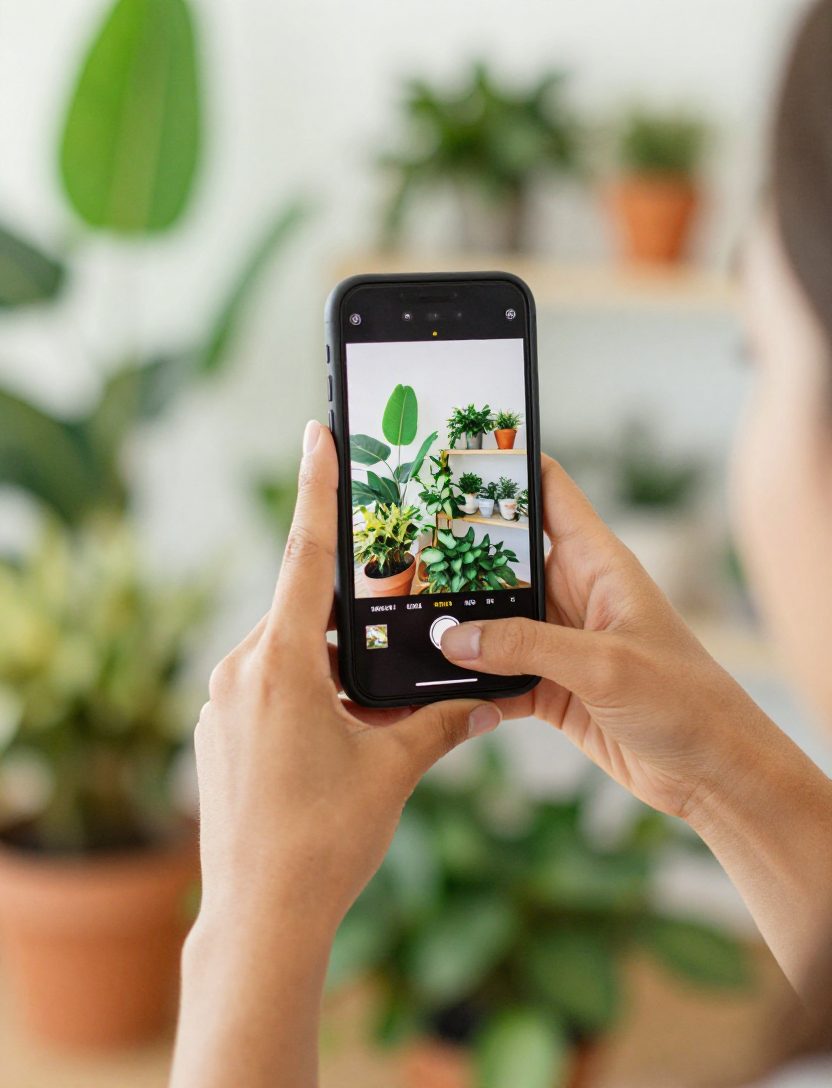
How to take product photos for Etsy with your phone
Shoot on a plain surface, then let an app cut out the background and size the photo for the marketplace. A simple routine for small sellers.
How to build a UGC portfolio when you have no clients yet
You do not need a brand deal to show brands what you can do. Five sample videos you can film this week with products you already own.
How often should a new creator post?
Consistency beats volume. A realistic posting rhythm for your first three months, and how to keep it when life gets busy.

Instagram, TikTok or YouTube Shorts: where to start
You do not need all three on day one. How to pick the first platform based on your goals, your content and your time.
How to pitch a brand when you are a small creator
A short email structure that gets replies, what to include in your media kit and what not to say.
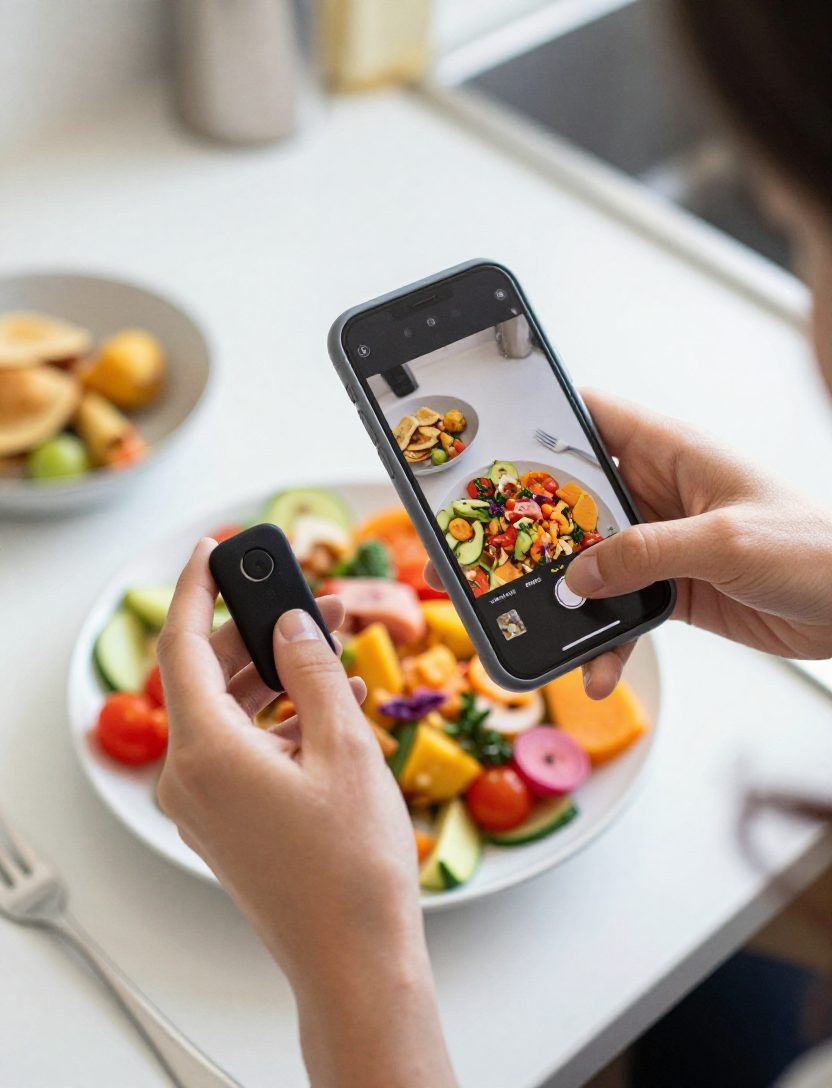
What is UGC, and how to get your first deals
UGC creators make content for brands to use in their own ads and pages. What it is, what to charge and how to build a portfolio from nothing.
New in version 16.5, available now
From idea to posted
A teleprompter app, auto captions, hook ideas and a posting schedule for creators, all in the same app as your daily camera drill. Speech-to-text and captions run on your phone, so nothing is uploaded.
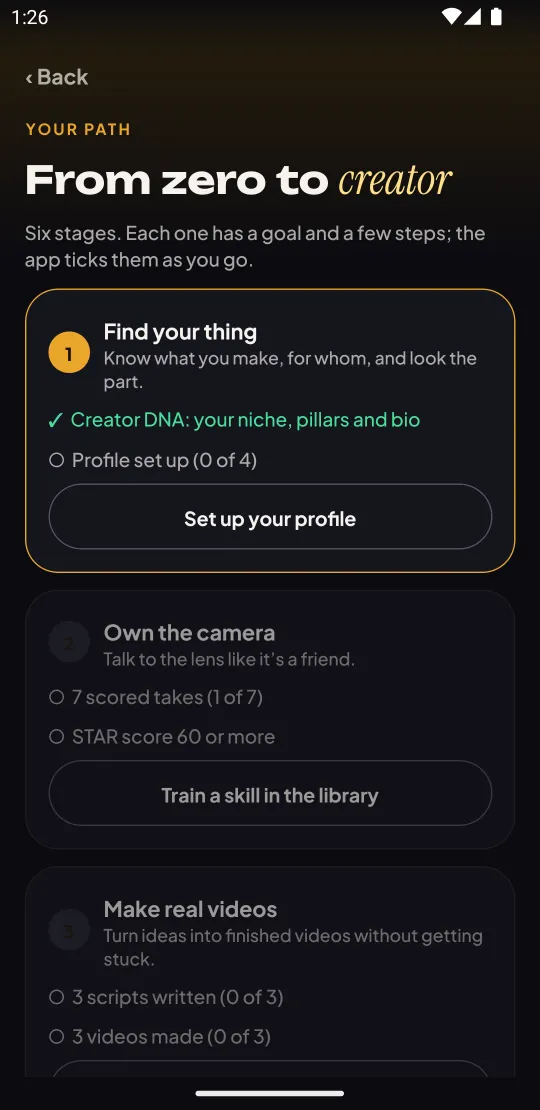
Your path: six stages to your first brand deal
Find your thing, own the camera, make real videos, post on a schedule, grow an audience, get paid. The home screen always shows the next step, and steps tick off from what you have already done. Followers are typed in by you; the app does not connect to any social account.
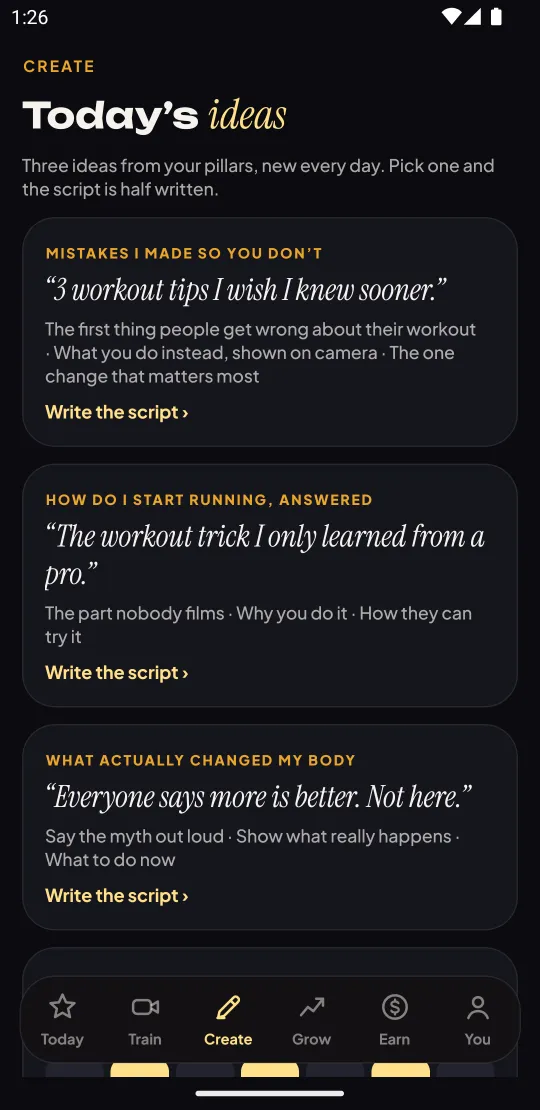
Three video ideas every day
New ideas each day, built from your own content pillars, so you are never staring at a blank screen before filming.
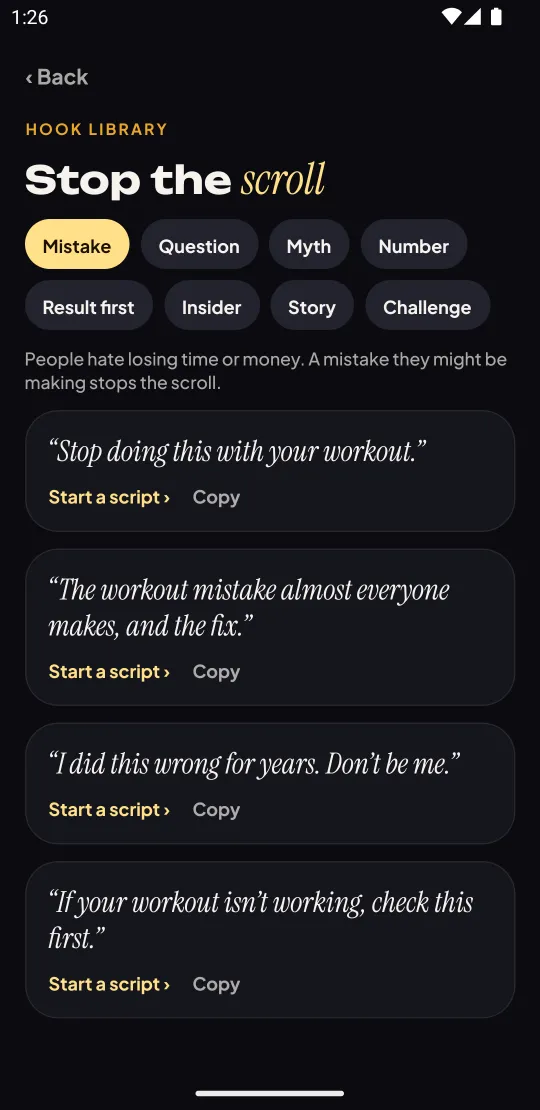
A hook library with 32 first lines
Eight types of opening: mistake, question, myth, number, result first, insider, story and challenge. Each line comes with a note on why it works.
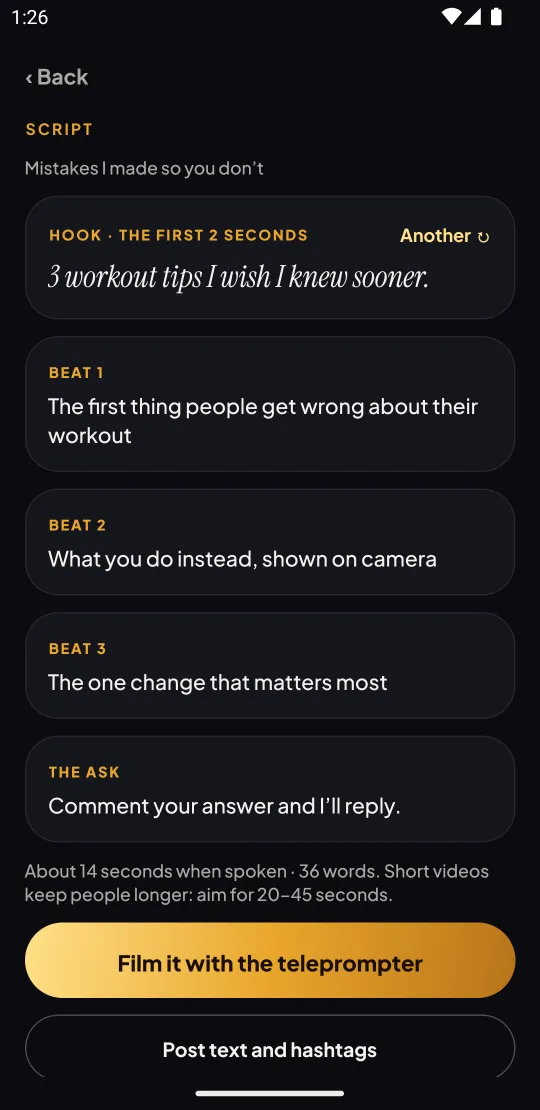
Script writer and teleprompter
Write the hook, three beats and the ask, then film with a teleprompter that scrolls right under the lens. Pick slow, normal or fast.
Auto captions and ready-to-post text
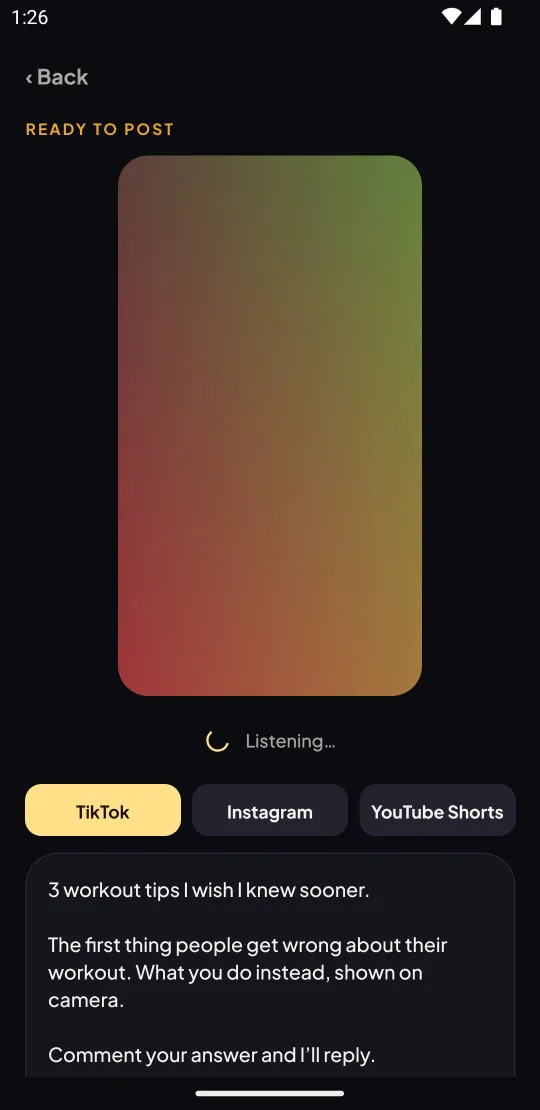
Captions are made on the phone and burned into the video. Post text and hashtags are ready for TikTok, Instagram and YouTube Shorts: copy, share, save, then tap “I posted it”.
A posting plan that keeps you going
Pick your posting days, get a note on those days and keep a weekly posting streak.
Practice on camera
The Startell Media app is a daily camera coach: one short drill, a score measured on your phone, the one thing to fix tomorrow. New in 16.5: a teleprompter, auto captions, hook ideas and a posting plan.
See the appKnow the language
Engagement rate, usage rights, whitelisting, CPM: plain-language definitions.
Open the glossary