How to take product photos for Etsy with your phone
Shoot on a plain surface, then let an app cut out the background and size the photo for the marketplace. A simple routine for small sellers.
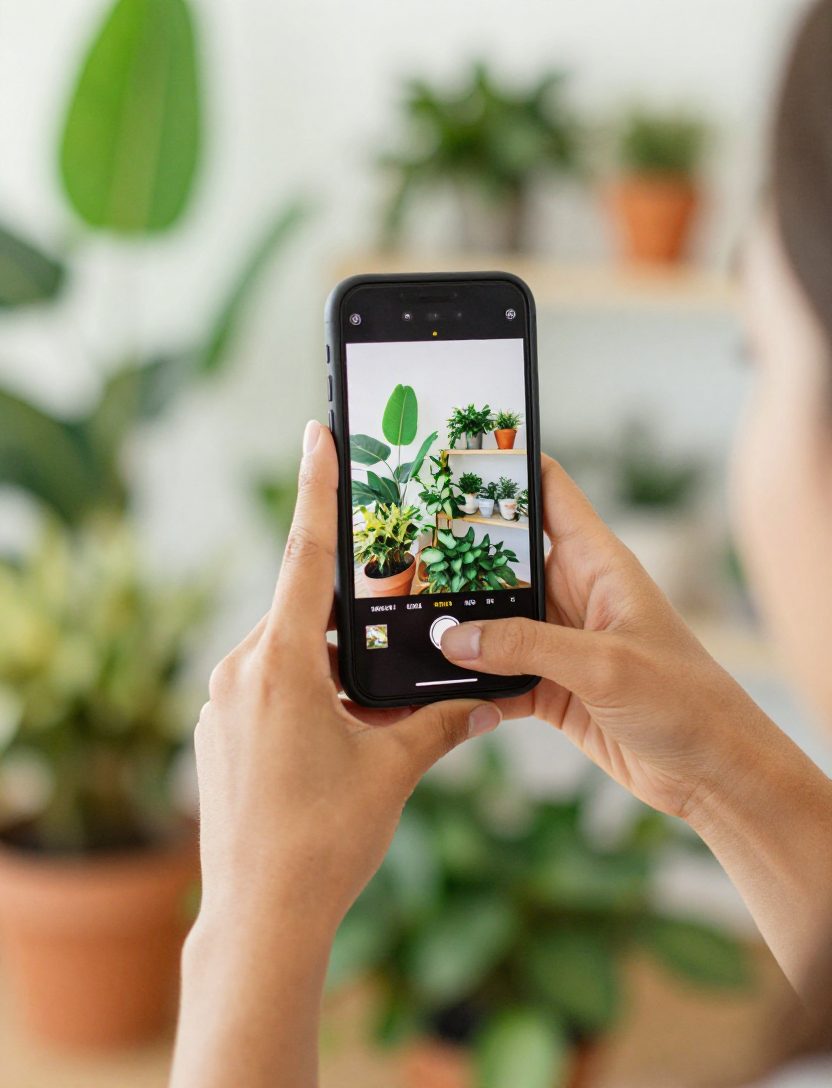
Most small sellers photograph their products with the phone they already own. That is fine. The slow part is what comes after: cutting out the background, getting the size right and writing the listing.
Shoot it simply
- Put the product on a plain surface near a window.
- Keep the whole product in the frame and leave a little space around it.
- Take a few angles, plus one close-up of the label or any detail a buyer would want to see.
- Wipe the product and the surface before you shoot. Dust shows.
You are not trying to make the final image in the camera. You are giving the editing step a clean photo to work with.
Cut out the background
STAR Seller Studio is one of our Android apps, and it removes the background on your phone. After that you can pick from 46 backdrops, add a shadow or a floor reflection, and put a sale, new or price badge on the photo if you want one. Its page is STAR Seller Studio.
There is also an AI Autopilot mode. You give it one photo and it cuts out the product, picks three studio looks, writes the listing, sizes the image for marketplaces and makes an ad video. The app page says it takes about a minute.
Size it for the marketplace
Each marketplace has its own picture rules, and a wrong size means a rejected or badly cropped image. The app checks sizes for Amazon, eBay, Etsy, Shopify, TikTok Shop, Walmart, Instagram and more, with a one-tap fix such as a white background, fill or centering. Check the marketplace's own rules too, since those are the ones that count. We also have a guide on Etsy photo sizes.
The listing text
The listing writer gives you a title, bullet points, a description and tags for each marketplace, within the character limits, and it writes only from the facts you give it. It can also read the text on your label. Read what it writes before you post. You know the product better than any app does.
When not to use it
If a brand hired you for UGC and asked for raw phone footage, send that. A studio backdrop is the wrong look for a brief that wants a real home and real hands. The same goes for a product where the exact color matters a lot: compare the edited photo with the real thing before you list it.
What to know before you start
- It is Android only, on Google Play.
- AI scenes, such as placing your product on a marble kitchen counter, are the one part that uses the cloud. The app asks before it sends a photo.
- You can try the studio on your first product photo for free, but saving or exporting opens the plan screen. Every plan starts with a 7-day free trial, and you cancel in Google Play at least 24 hours before renewal.
The cut-out, the studio, the writer and the ad videos run on your phone, so a shooting day does not turn into an uploading day. STAR Seller Studio is on Google Play, and the details are on its page.
Practice it with a daily coach
Startell gives you one short drill a day and a Star Score measured on your phone. Your first drill is free.